top of page
Welcome to the
STREAM SHOP
Online Teacher Training Subscription
Product Details
Why not use your eBucks to purchase this course?
Click on the logo TWICE to go to the eBucks page (please click on it and come back and click it again to go to the direct page.
Welcome to the TTA CPTD Teaching Bundle.
Sign up for an annual subscription and be one of the first 70 to receive an extra free year's subscription, and access all the current SACE-accredited workshops available.
We add a minimum of one new workshop per month, growing the workshop bank.
Courses are updated annually to ensure the latest version of software or applications or teaching tips and tricks are available to your teachers.
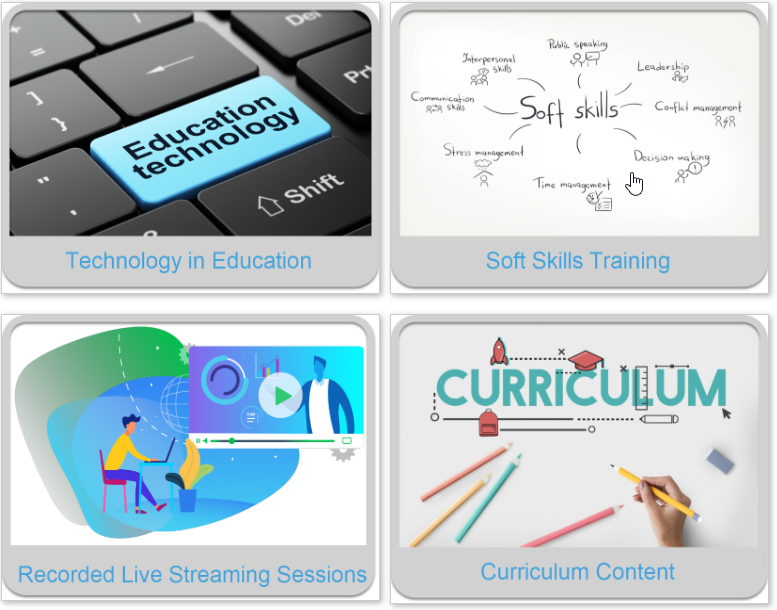
The Platform includes:
Here are all the SACE-accredited courses that are included and are been loaded into your bundle:
| An introduction to using Popplet in the classroom |
| Basic online skills with Google |
| Bluebot Beginners (currently loading) |
| Bring student work online with Google Classroom |
| Create engaging presentations with Google Slides |
| Create self-marking quizzes with Google Forms |
| Creative design using colour |
| Delivering Lessons Remotely using Microsoft Office 365 |
| eBeam Basic Button |
| Effective use of PowerPoint in the classroom |
| Engage students with videos using YouTube |
| Excel 2016 Essentials |
| Flipgrid 101 |
| Getting started with Microsoft Whiteboard |
| Hybrid Hacks with MS365 |
| Inspire ideas collaboratively with Jamboard |
| Introduction to Minecraft Education |
| Learn to teach Scratch Jr. |
| Making eBooks using Book Creator |
| Microsoft Forms Essentials |
| Plickers 101 |
| Powerpoint 365 Essentials |
| Stream Video Sharing |
| The Flipped Classroom (ongoing course) |
| Teaching with micro:bits Beginners (currently loading) |
| Teaching with Teams |
| Using ipads for EYFP |
| Using iPads in the Classroom as a Novice |
| Using Microsoft PowerPoint to support remote learning |
| Using PowerPoint Effectively for Interactive Lessons |
| Using recording in PowerPoint |
| Using technology to support literacy |
| Wakelet 101 |
and much more!
bottom of page